The purpose of this release is to make Mobile Optimization a standard feature of PayWeb 2.
What is Mobile Optimization?
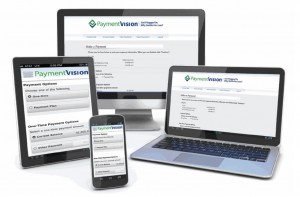
Mobile Optimization is a PayWeb 2 feature that enables a single site to deliver an intuitive and device-specific user interface for a broad range of mobile browsers and screen resolutions. The end result is a website that looks and feels like a mobile application when viewed within a mobile device.
Why is it being standardized?
While Mobile Optimization was originally released as part of PayWeb v.1.2, many of the features that are now standard in this release were previously made available as part of an add on package. With mobile devices now representing over half of the traffic on PayWeb 2, we think it makes sense for mobile optimization to be available to all of our users out-of-the-box.
Do customers need to download anything?
No. Customers are not required to download anything in order for PayWeb 2 to be optimized for their device. PayWeb 2 does this intuitively.
How does it work?
When a visitor accesses a PayWeb 2 site, PayWeb 2 first checks the user agent, which is a header field in the HTTP request that identifies the originating software. From the user agent, PayWeb 2 can decipher the operating system, browser, and device resolution. This information is then used to serve up a presentation that is optimized for the device.
What are some of the features?
Mobile Layout
Traditional websites were optimized for desktop browsers and screen resolutions. While they still render in a mobile device, the layout can be hard to view and difficult to navigate. Mobile Optimization reduces this friction by enabling PayWeb 2 to optimize its layout based on the users device.
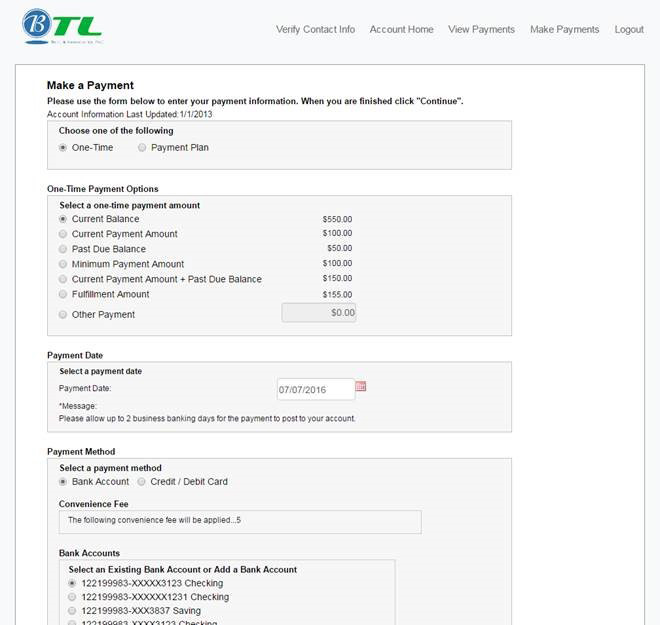
Desktop Device
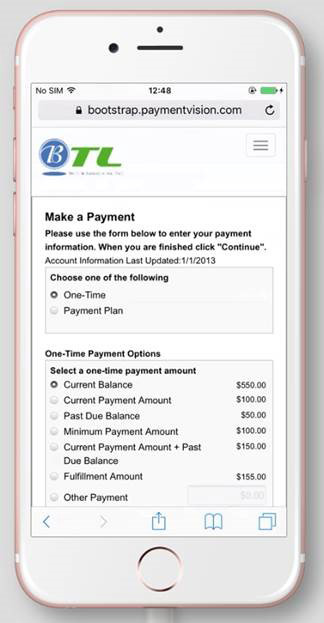
Mobile Device
Mobile Menu
Traditional navigation menus can be difficult to view in a mobile device, particularly when viewed in portrait mode. Mobile Optimization enables PayWeb 2 to present a menu that is both easier to read and collapsible when not in use.
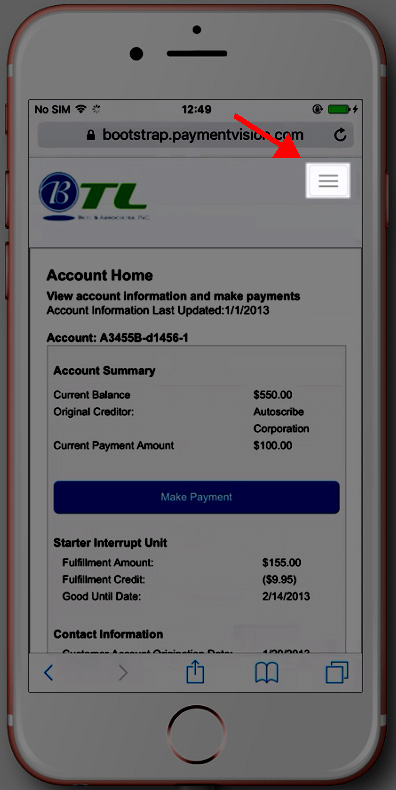
Mobile Menu Collapsed
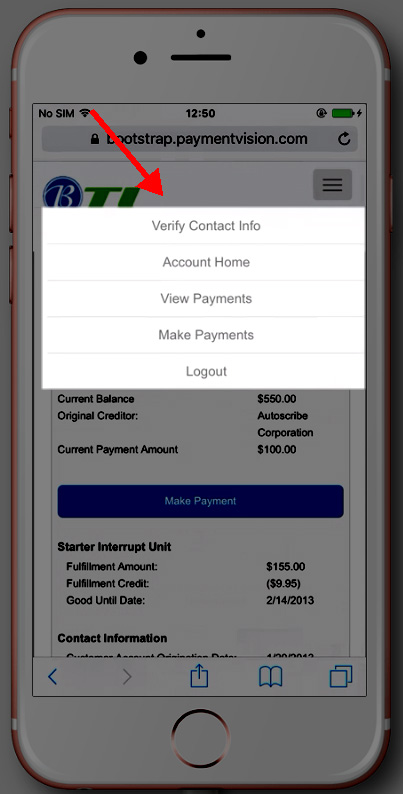
Mobile Menu Expanded
What devices are supported?
While Mobile Optimization should enable PayWeb 2 to work well with a wide range of mobile devices, the following devices have been explicitly certified by our QA team.
| Resolution | Device Leader | Browser | Device Type |
|---|---|---|---|
| 360×640 | Samsung Galaxy S5 | Default | Smartphone |
| 768×1024 | iPad Air 2 | Default | Tablet |
| 375×667 | Apple iPhone 6 | Default | Smartphone |
| 414×736 | Apple iPhone 6 Plus | Default | Smartphone |
Note: The above resolutions represent the majority of PayWeb 2 site visitors as of the release.